Escalation path template
Who to contact when something cannot wait for the other time zone to wake up: three levels, how to reach each person, their hours in your time and how fast they reply.
- Free
- No sign-up
- No watermark
- Vector PDF
- US Letter and A4
- CC BY 4.0
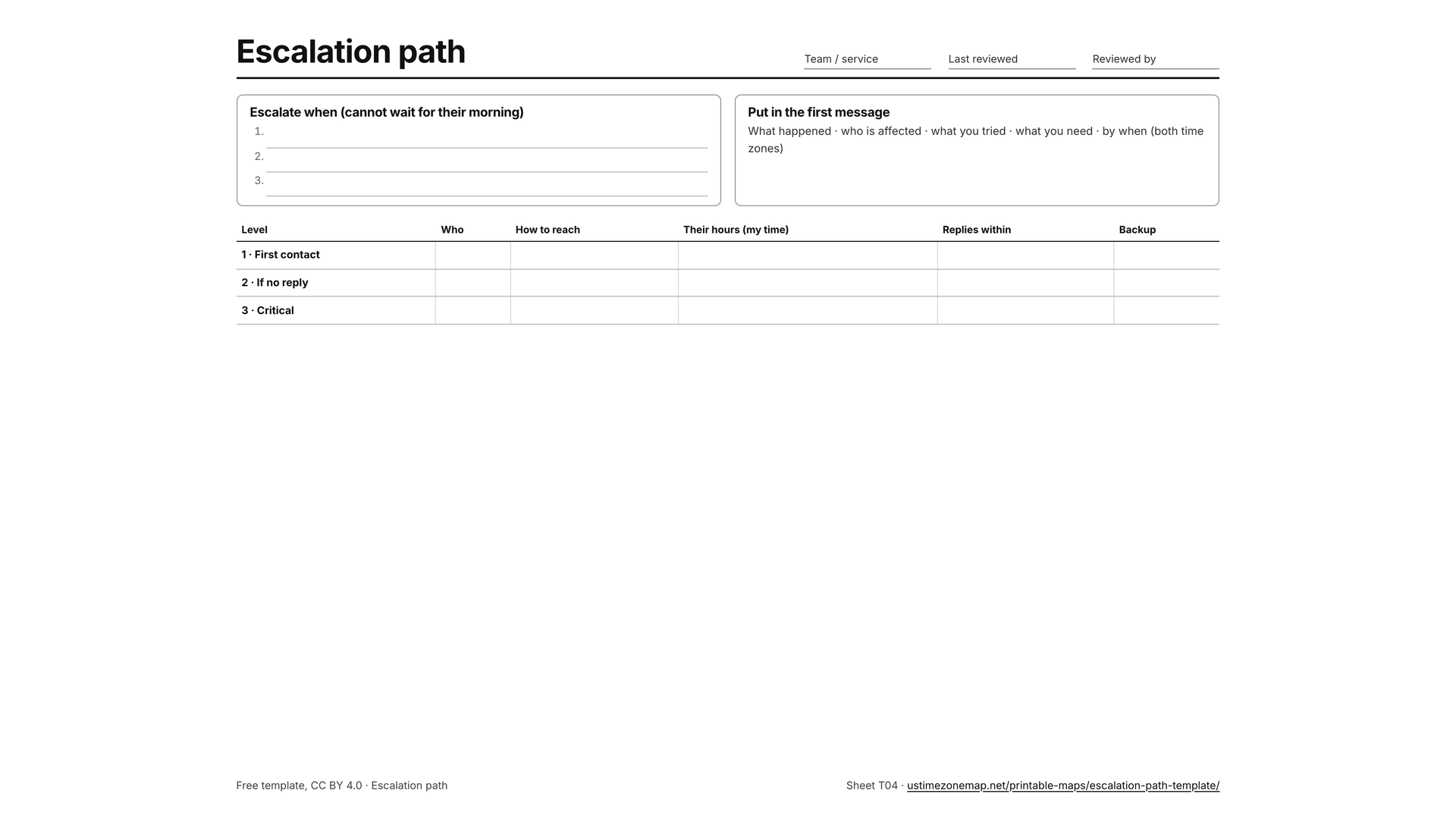
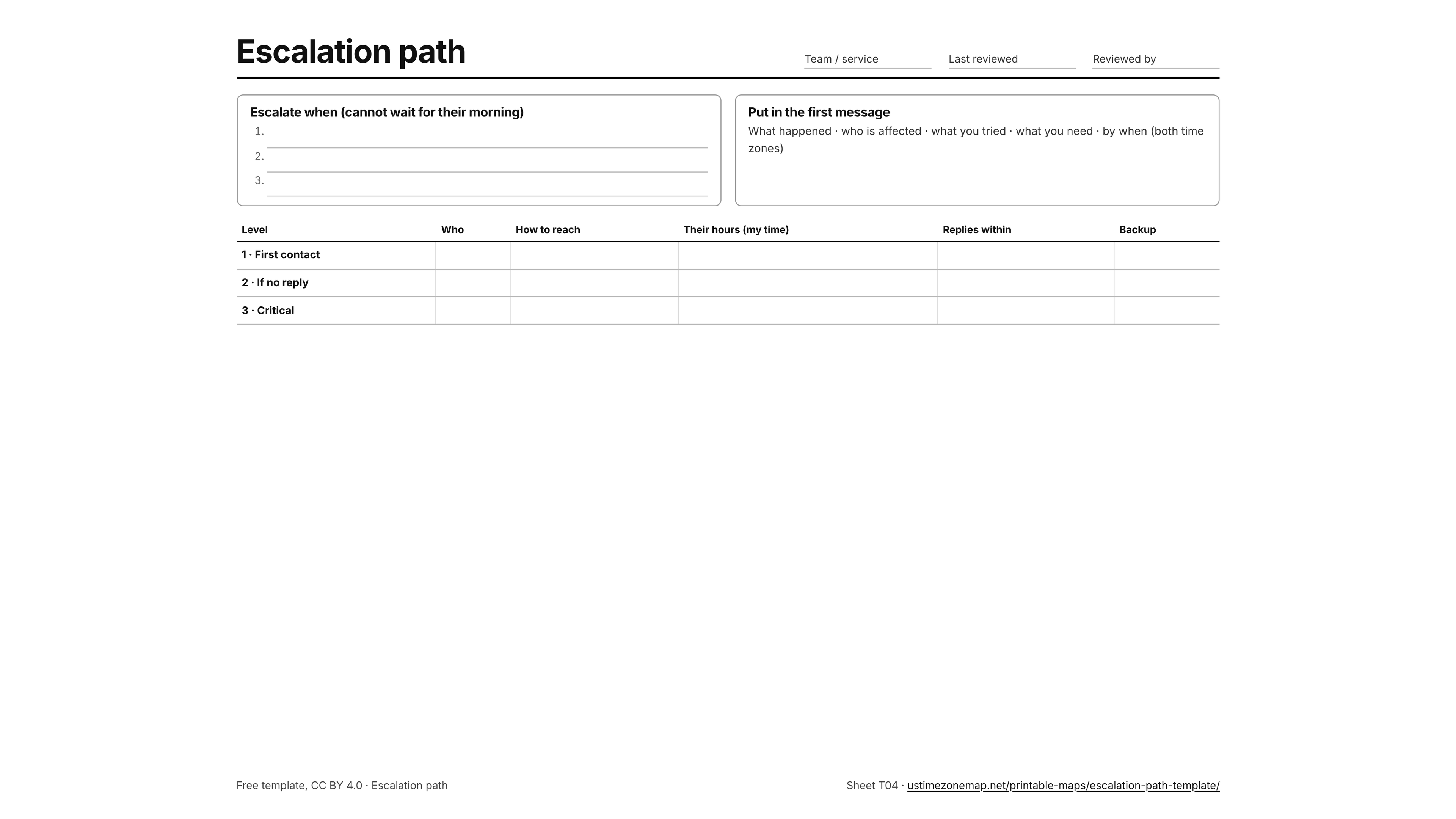
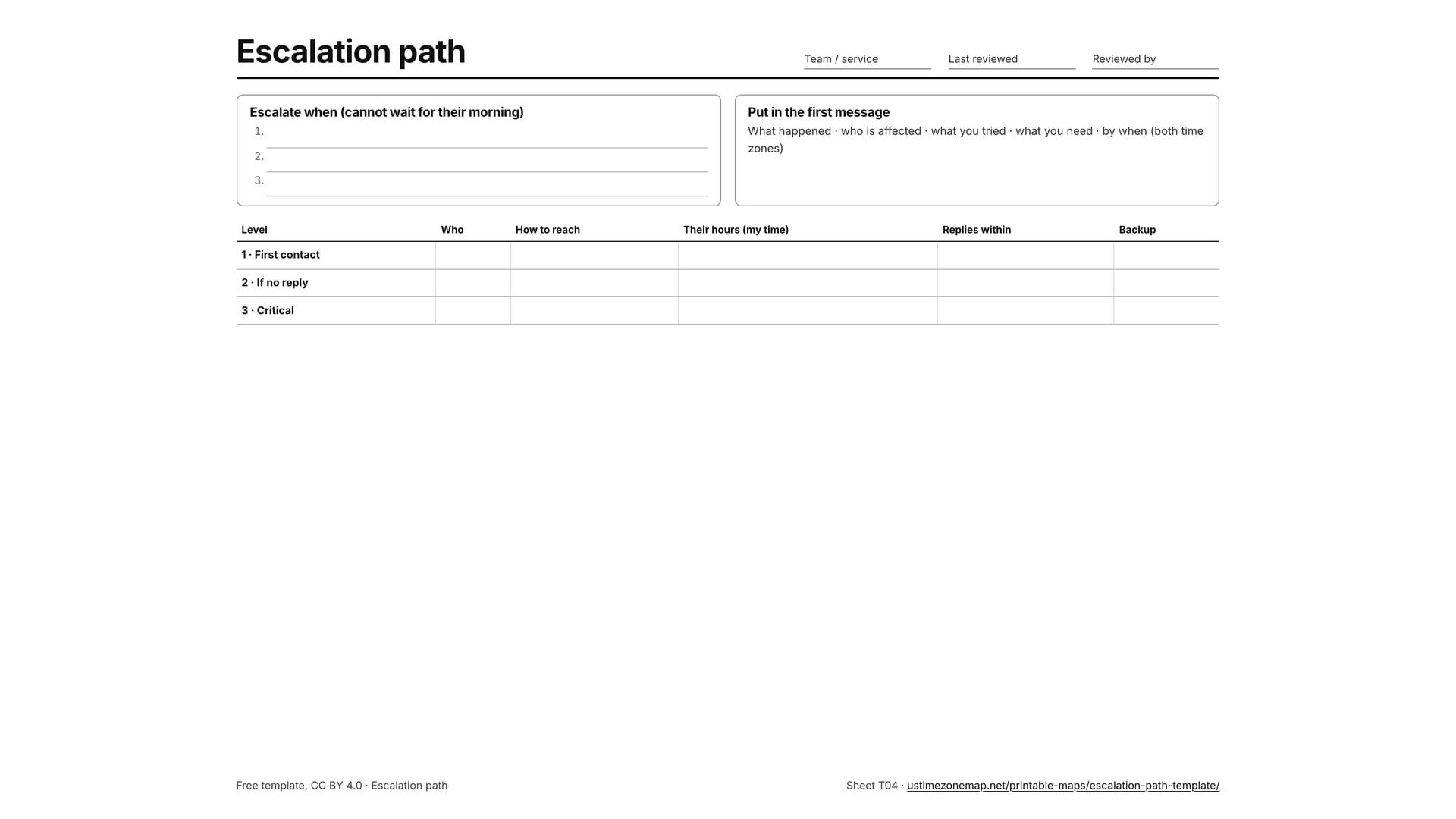
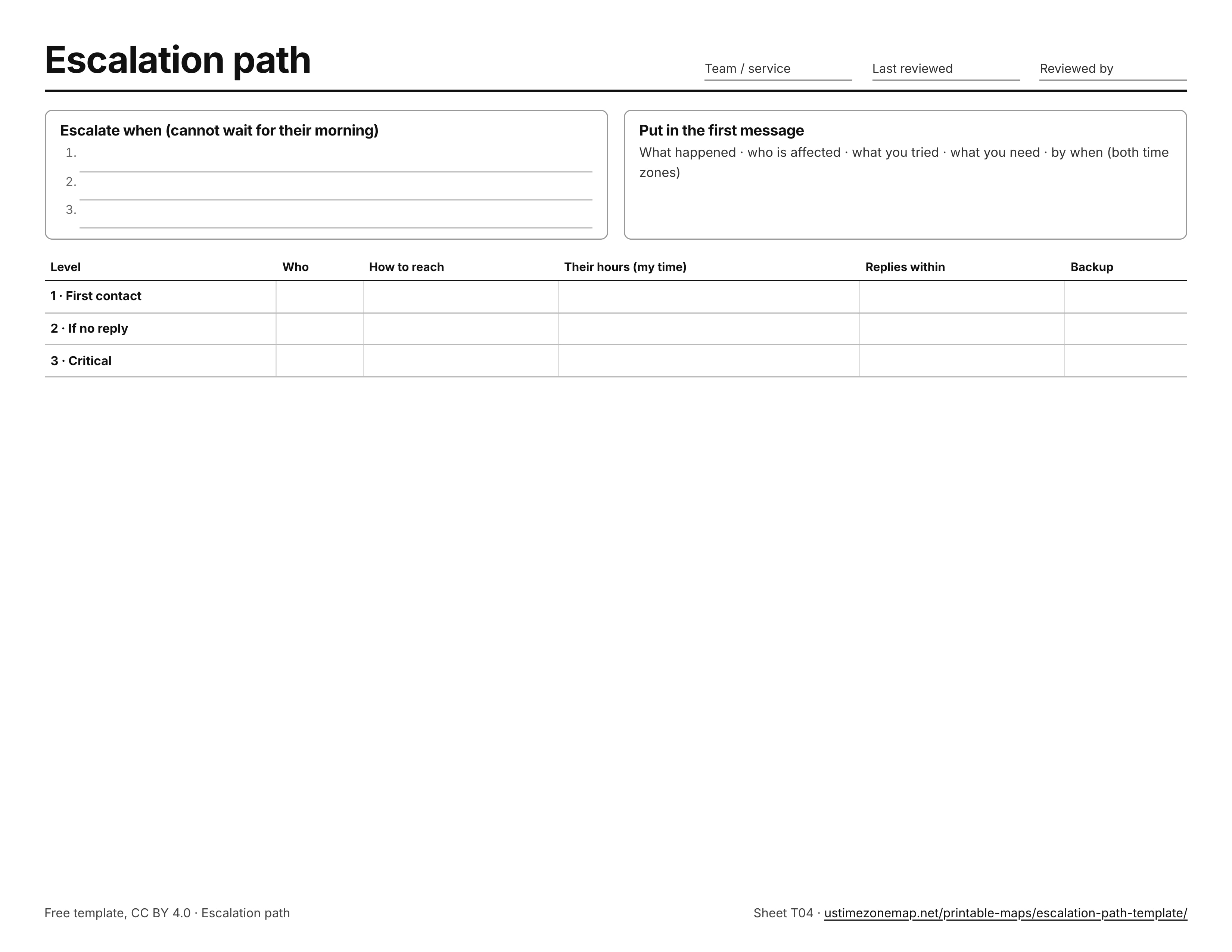
Escalation path
Escalate when (cannot wait for their morning)
Put in the first message
What happened · who is affected · what you tried · what you need · by when (both time zones)
| Level | Who | How to reach | Their hours (my time) | Replies within | Backup |
|---|---|---|---|---|---|
| 1 · First contact | |||||
| 2 · If no reply | |||||
| 3 · Critical |
About this template
US Letter, landscape, one page, vector PDF. Template code T04 sits in the corner so a team can agree on the same form, and the link at the bottom right comes back to this page. The four templates in this set (daily update, shift hand-off note, decision log and escalation path) are built for teams that are rarely online at the same time: each one answers a question the other time zone would otherwise have to wait a whole day to ask. They follow common async working practice and contain no company-specific rules, so adapt the headings to your team.
Ways to use it
- Fill in each contact’s working hours in your own time zone; that is the column people need at 3 a.m.
- Agree with the team what counts as “cannot wait” and write it in the first box.
- Review it after every escalation and whenever someone changes role.
Writing hand-off times in both time zones is easier with the overlap finder, which shows the hours you share with your team and when each side’s day ends. Theholiday calendar for the US and your country lists the days one side is away, and the meeting planner finds a time for the live part of the work.
Share this sheet
Licensed under Creative Commons Attribution 4.0 (CC BY 4.0): print, copy, adapt and share it, in class or online, with credit to US Time Zone Map. Copy a citation or a credit link:
More printable maps
Frequently asked questions
How do I print this template?
Press Print, or Ctrl + P (⌘ + P on a Mac). The sheet is set for US Letter in landscape and fills one page; on A4 choose “Fit to page”. Everything else on this page is left off the paper.
Can I use it with my team?
Yes. Print it, fill it in on screen with any PDF editor, or copy its headings into a shared document or chat channel. It is licensed under CC BY 4.0, so you can share and adapt it with credit to US Time Zone Map.